🎨

Branding & Identity

Strong branding is the foundation of every successful digital presence. These tools help you build consistent, professional brand identities — from color palettes and typography to living brand guidelines your whole team can use.
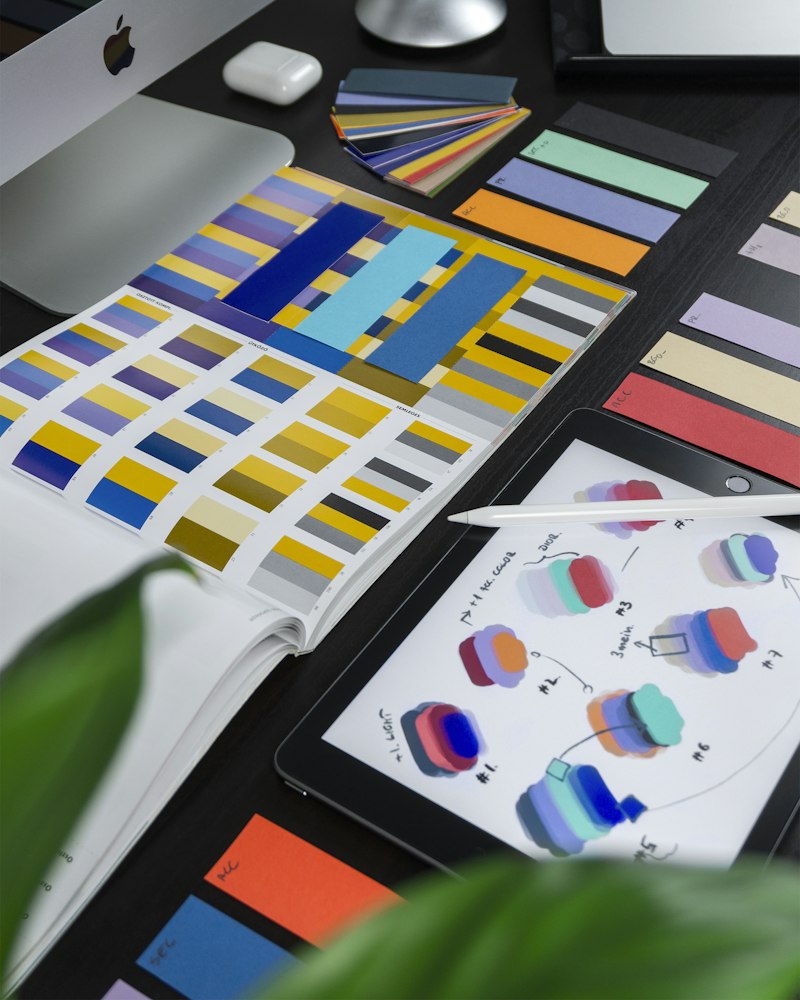
💡 Pro Tip: Use Coolors and Fontjoy together to generate a full visual identity in under 10 minutes. Then lock it into a Corebook or Adobe Express Brand Kit so every asset stays on-brand.
Branding & Identity
🚀

Website Speed & Performance

Page speed is a direct ranking factor for Google — and every extra second of load time costs you conversions. These tools help you diagnose bottlenecks, fix Core Web Vitals, and ensure your site performs at its best for both users and search engines.

💡 Pro Tip: Run your site through both PageSpeed Insights AND GTmetrix — they surface different issues. PageSpeed focuses on Google's Core Web Vitals, while GTmetrix gives you a granular waterfall view of every resource.
Website Speed & Performance
🌐

Internet & Network Testing

Whether you're diagnosing client connectivity issues or benchmarking your own infrastructure, these tools give you a clear picture of real-world network performance from the browser — no software installs required.

💡 Pro Tip: Fast.com is great for a quick check, but TestMy.net is far more accurate for real-world browser speeds since it avoids CDN caching tricks used by some other speed tests.
Internet & Network Testing
🛠️

Utility & Checkers

The little details matter — broken links, inaccessible content, and unoptimized images can quietly tank your SEO and user experience. These utility tools help you audit, fix, and optimize the things that are easy to overlook.
💡 Pro Tip: Run WAVE on every client site before launch to catch ADA accessibility issues early. Non-compliance can be a legal liability, and accessibility improvements also boost your SEO rankings.
Utility & Checkers
📐

Design & Creative Assets

Great design doesn't require a massive budget — it requires the right tools. From professional UI design in Figma to quick social graphics in Canva and free SVG illustrations from unDraw, these resources power world-class creative work.
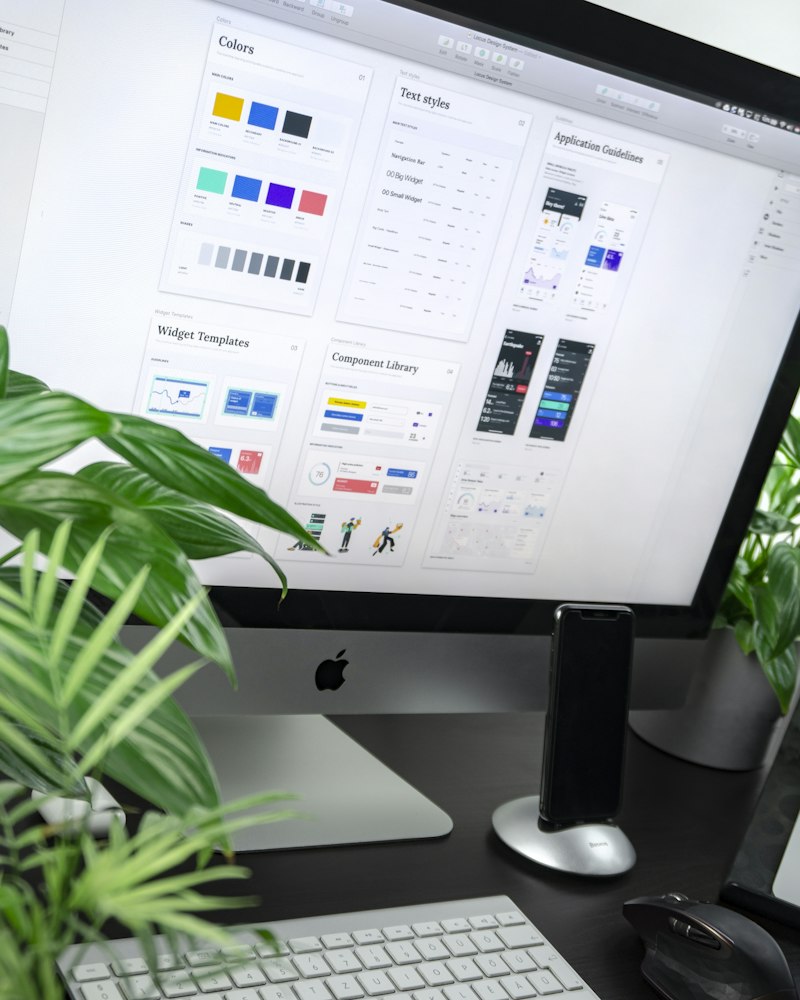
💡 Pro Tip: Use unDraw and LottieFiles together for websites that feel polished and dynamic without hiring an illustrator. Both have free tiers and work seamlessly with Figma and Webflow.
Design & Creative Assets
🔡

Typography

Typography is one of the most powerful — and most underestimated — elements of design. The right font combination can make a brand feel premium, trustworthy, playful, or authoritative. These tools give you access to thousands of beautiful typefaces.
💡 Pro Tip: Stick to Google Fonts for web projects to keep load times fast. Pair a clean sans-serif (like Inter) with a distinctive display font (from DaFont or FontSpace) for headings to create visual hierarchy.
Typography
💡

Inspiration & Showcase

The best designers and developers never stop studying great work. These platforms showcase the world's best UI, web design, and creative work — use them to discover trends, get unstuck, and raise your own standards.

💡 Pro Tip: When starting a new project, spend 20 minutes on Awwwards and Siteinspire before opening Figma. Collecting 10–15 reference screenshots will give you a creative direction and save hours of second-guessing.
Inspiration & Showcase
💻

Development & Learning

Whether you're a seasoned developer or just getting started, these platforms are the backbone of modern web development — from version control and code sharing to world-class tutorials and community-driven troubleshooting.
💡 Pro Tip: CSS-Tricks and CodePen are a powerful combination — read the concept on CSS-Tricks, then open CodePen to experiment with it live in the browser. You'll retain it 10x better than just reading.
Development & Learning
🌍

Domain Research & Registration

Before you build anything, you need the right domain. These tools help you search for available names, check ownership and history with WHOIS lookups, brainstorm creative options with AI generators, and register your perfect domain at the best price.

💡 Pro Tip: Before buying a domain, always run a WHOIS lookup and check its backlink history on Ahrefs or Moz. Expired domains can carry penalty baggage from previous owners that will hurt your SEO from day one.
Domain Research & Registration
Namecheap
Affordable domain registration with free WHOIS privacy included.
GoDaddy
The world's largest domain registrar — search, buy, and manage domains.
Google Domains (Squarespace)
Clean domain registration experience with easy DNS management.
ICANN WHOIS
The official WHOIS tool — look up any domain's ownership and registration details.
Who.is
Fast, friendly WHOIS lookup for domain ownership and history.
DomainTools WHOIS
Detailed WHOIS with ownership history and connected infrastructure data.
Nameboy
Classic domain name generator — enter keywords and get instant combinations.
LeanDomainSearch
Instantly generate hundreds of available .com domain ideas from a single keyword.
Wordoid
Generate short, catchy, made-up brand-ready domain names that are actually available.
Bust a Name
Mix and match keywords to find available domain name combinations.
Domainr
Real-time domain search across all TLDs — find creative short domains fast.
Instant Domain Search
Live availability results as you type — the fastest domain search tool.
✍️

AI: Copywriting & Content

AI writing tools have become essential for scaling content production without sacrificing quality. These platforms are purpose-built for marketers and agencies, making it faster than ever to produce ad copy, blog posts, emails, and more.
💡 Pro Tip: Use eesel AI for SEO blog content and Jasper for short-form ad copy and social captions. The two complement each other perfectly for a full content strategy.
AI: Copywriting & Content
🔍

AI: SEO & AI Visibility (GEO)

Generative Engine Optimization (GEO) is the new frontier — making sure your brand appears in AI-generated answers from ChatGPT, Google AI Overviews, and Perplexity. These tools help you track, analyze, and optimize your visibility in the AI era.
💡 Pro Tip: GEO is rapidly becoming as important as traditional SEO. Start tracking your brand's AI visibility now with AthenaHQ — it's early enough that getting ahead will pay huge dividends in 12 months.
AI: SEO & AI Visibility (GEO)
🖼️

AI: Image & Video Generation

AI-generated visuals have crossed the threshold into professional-grade quality. Whether you need a stunning hero image, a product demo video, or a fully AI-generated avatar spokesperson, these tools deliver cinematic results.
💡 Pro Tip: Midjourney excels at artistic and editorial visuals, while Flux 2 is better for photorealistic commercial imagery. For video, use Sora 2 for storytelling and Synthesia when you need to scale video with a consistent AI presenter.
AI: Image & Video Generation
🎨

AI: UI/UX & Web Design

AI is reshaping the design workflow — from generating wireframes from rough sketches to building entire websites from a text prompt. These tools dramatically compress the time from idea to live design.
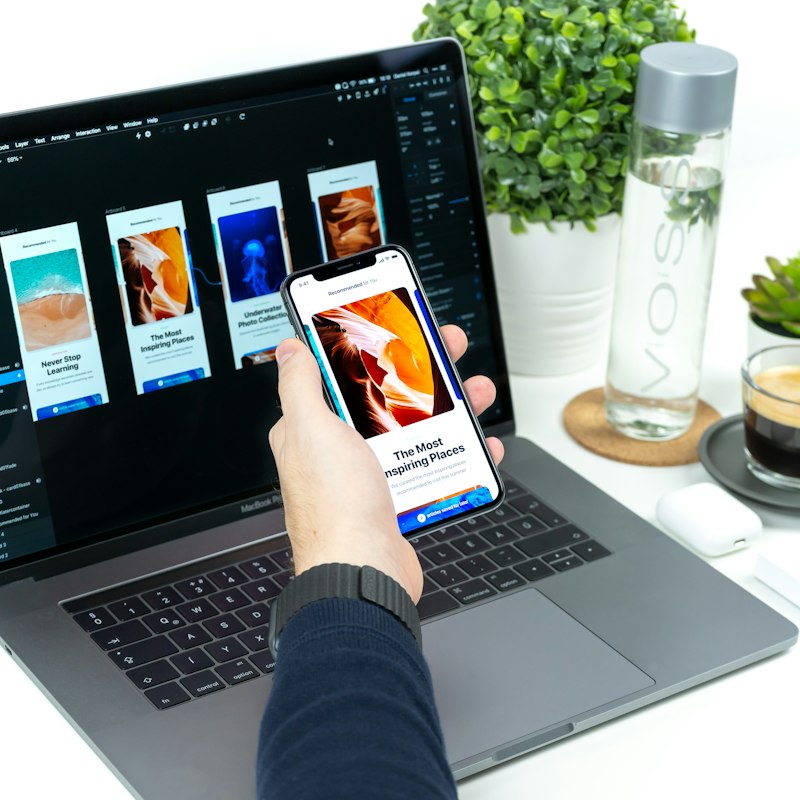
💡 Pro Tip: Use Relume for sitemapping and Framer AI for rapid prototyping. You can go from a client brief to a live, shareable mockup in under an hour — something that used to take days.
AI: UI/UX & Web Design
💻

AI: Development

AI-assisted coding is no longer a novelty — it's becoming a standard part of professional development workflows. These tools handle boilerplate, suggest completions, catch bugs, and even generate entire functions from natural language descriptions.
💡 Pro Tip: GitHub Copilot is best for inline suggestions while you code, while Amazon Q excels at understanding your entire codebase and answering complex architectural questions. Together, they cover every phase of development.
AI: Development

Want Us to Put These Tools to Work for You?

Our team uses these resources every day to build high-performance websites, run data-driven campaigns, and grow brands. Let's talk about what we can do for yours.